By admin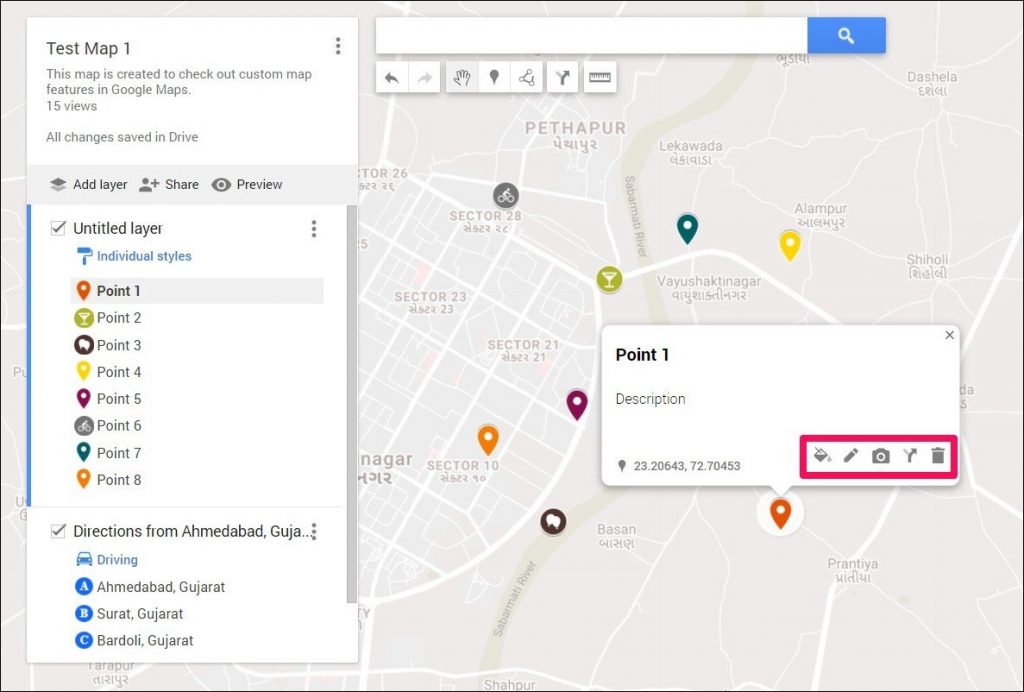
Pin maps, also known as location maps or marker maps, are powerful visual tools that allow you to represent geographical data in a compelling and easily understandable way. From marking customer locations and tracking distribution networks to highlighting research sites and planning travel routes, pin maps offer a versatile and insightful way to analyze and communicate location-based information. This comprehensive guide will walk you through the process of creating effective pin maps, covering everything from the initial planning stages to the final presentation.
Why Use Pin Maps? The Power of Visualizing Location Data
Before diving into the creation process, it’s crucial to understand why pin maps are so valuable. They offer several distinct advantages over simply listing addresses or relying on tabular data:
- Enhanced Data Visualization: Pin maps transform abstract data points into tangible locations on a map, making patterns and trends immediately apparent. This visual representation allows viewers to quickly grasp the spatial relationships between different data points.
- Improved Data Understanding: By visualizing location data, you can identify clusters, outliers, and geographical concentrations that might otherwise be missed. This enhanced understanding leads to more informed decision-making.
- Effective Communication: Pin maps are a powerful communication tool. They can be used to present complex location-based information in a clear and concise manner, making it accessible to a wider audience.
- Strategic Planning: Pin maps are invaluable for strategic planning across various industries. Businesses can use them to optimize distribution networks, identify potential market expansion opportunities, and understand competitor locations.
- Real-World Context: By placing data points on a map, you provide them with real-world context. This allows viewers to understand the geographical factors that may be influencing the data.
Planning Your Pin Map: Defining Purpose and Scope
The first step in creating an effective pin map is careful planning. This involves defining the map’s purpose, scope, and target audience. Consider the following questions:
- What is the primary goal of the pin map? Are you trying to visualize customer locations, track project progress, identify potential risks, or something else entirely? Clearly defining the purpose will guide all subsequent decisions.
- What geographical area will the map cover? Will it focus on a city, a region, a country, or the entire world? Defining the geographical scope will determine the appropriate map projection and level of detail.
- Who is the target audience? Is the map intended for internal use within your organization, or will it be shared with external stakeholders? Understanding your audience will influence the map’s design and level of complexity.
- What data will be represented on the map? What types of data points will you be plotting? This could include addresses, coordinates, business locations, customer demographics, or any other relevant location-based information.
- What additional information will be included on the map? Consider adding supplementary information such as labels, legends, color coding, and pop-up windows to enhance the map’s clarity and usefulness.
Choosing the Right Tool: Software and Platforms for Pin Map Creation
Several software and platforms can be used to create pin maps, each with its own strengths and weaknesses. The best choice will depend on your budget, technical skills, and specific requirements. Here are some popular options:
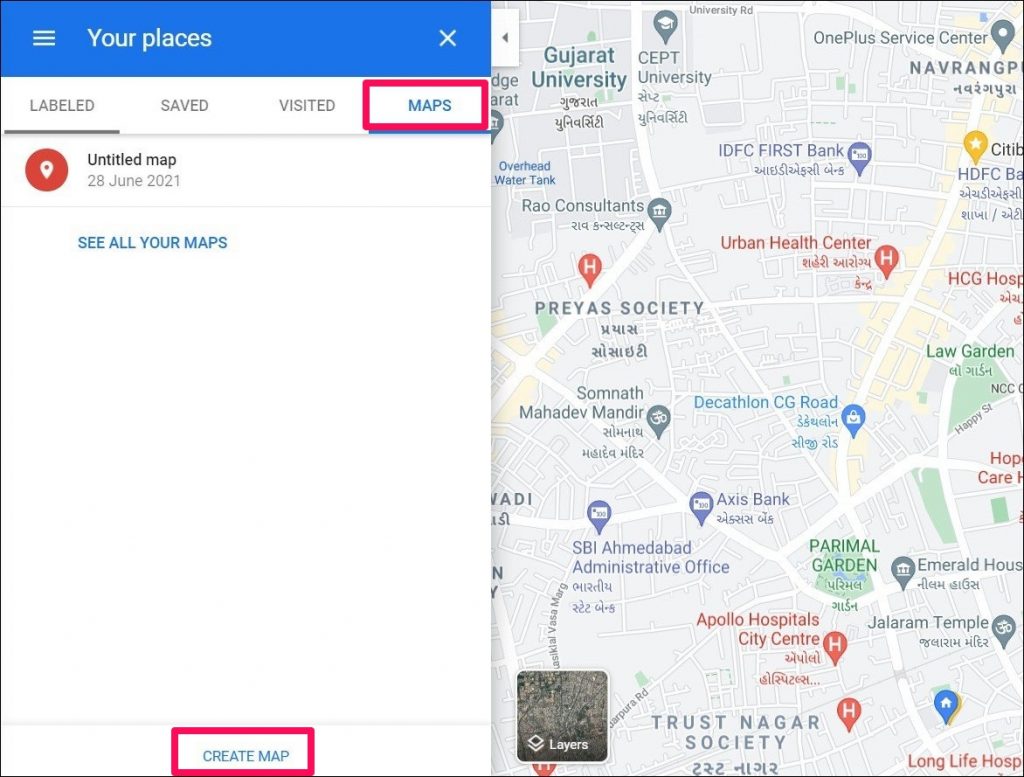
- Google My Maps: A free and user-friendly tool that allows you to create custom maps with pins, lines, and shapes. It’s ideal for simple mapping projects and collaborative editing.
- Google Earth Pro: A more advanced version of Google Earth that offers powerful mapping and data visualization capabilities. It’s suitable for creating detailed and interactive pin maps with custom layers and annotations.
- BatchGeo: A web-based tool specifically designed for creating pin maps from spreadsheets. It’s easy to use and offers a range of customization options.
- Mapbox: A powerful mapping platform that provides developers with the tools to create custom maps and location-based applications. It’s ideal for complex mapping projects and integration with other software.
- ArcGIS: A professional geographic information system (GIS) software that offers a comprehensive suite of mapping and analysis tools. It’s suitable for advanced mapping projects that require geoprocessing, spatial analysis, and cartographic design.
- Tableau: A data visualization software that allows you to create interactive pin maps and dashboards. It’s ideal for analyzing location-based data and sharing insights with others.
Gathering and Preparing Your Data: Ensuring Accuracy and Consistency
Accurate and consistent data is essential for creating a reliable and informative pin map. Before plotting your data, take the time to clean and prepare it. This may involve:
- Collecting Data: Gather all relevant location-based data from various sources, such as spreadsheets, databases, and online APIs.
- Cleaning Data: Identify and correct any errors or inconsistencies in your data. This may include typos, missing values, and incorrect formatting.
- Standardizing Data: Ensure that all location data is formatted consistently. This may involve standardizing addresses, converting coordinates to a common format, and using consistent naming conventions.
- Geocoding Data: Convert addresses into geographic coordinates (latitude and longitude). This process is known as geocoding and can be done using online services or GIS software.
- Organizing Data: Organize your data into a structured format that can be easily imported into your chosen mapping tool. This typically involves creating a spreadsheet or database table with columns for latitude, longitude, and other relevant attributes.
Creating Your Pin Map: Step-by-Step Instructions
The specific steps involved in creating a pin map will vary depending on the software or platform you choose. However, the general process typically involves the following steps:
- Import Data: Import your prepared data into your chosen mapping tool. This may involve uploading a spreadsheet, connecting to a database, or using an API.
- Plot Data Points: Plot your data points on the map using latitude and longitude coordinates. Most mapping tools allow you to customize the appearance of the pins, such as their size, color, and shape.
- Add Labels and Annotations: Add labels to your pins to identify them and provide additional information. You can also add annotations, such as text boxes and arrows, to highlight specific areas or features on the map.
- Customize the Map: Customize the map’s appearance to enhance its clarity and visual appeal. This may involve changing the base map, adjusting the zoom level, and adding custom layers.
- Add a Legend: Create a legend to explain the meaning of the different pins and colors used on the map. This will help viewers understand the information being presented.
- Save and Share Your Map: Save your map and share it with others. Most mapping tools allow you to export your map as an image, embed it on a website, or share it with collaborators.
Enhancing Your Pin Map: Advanced Techniques and Considerations
Once you’ve created a basic pin map, you can enhance it further by incorporating advanced techniques and considerations:
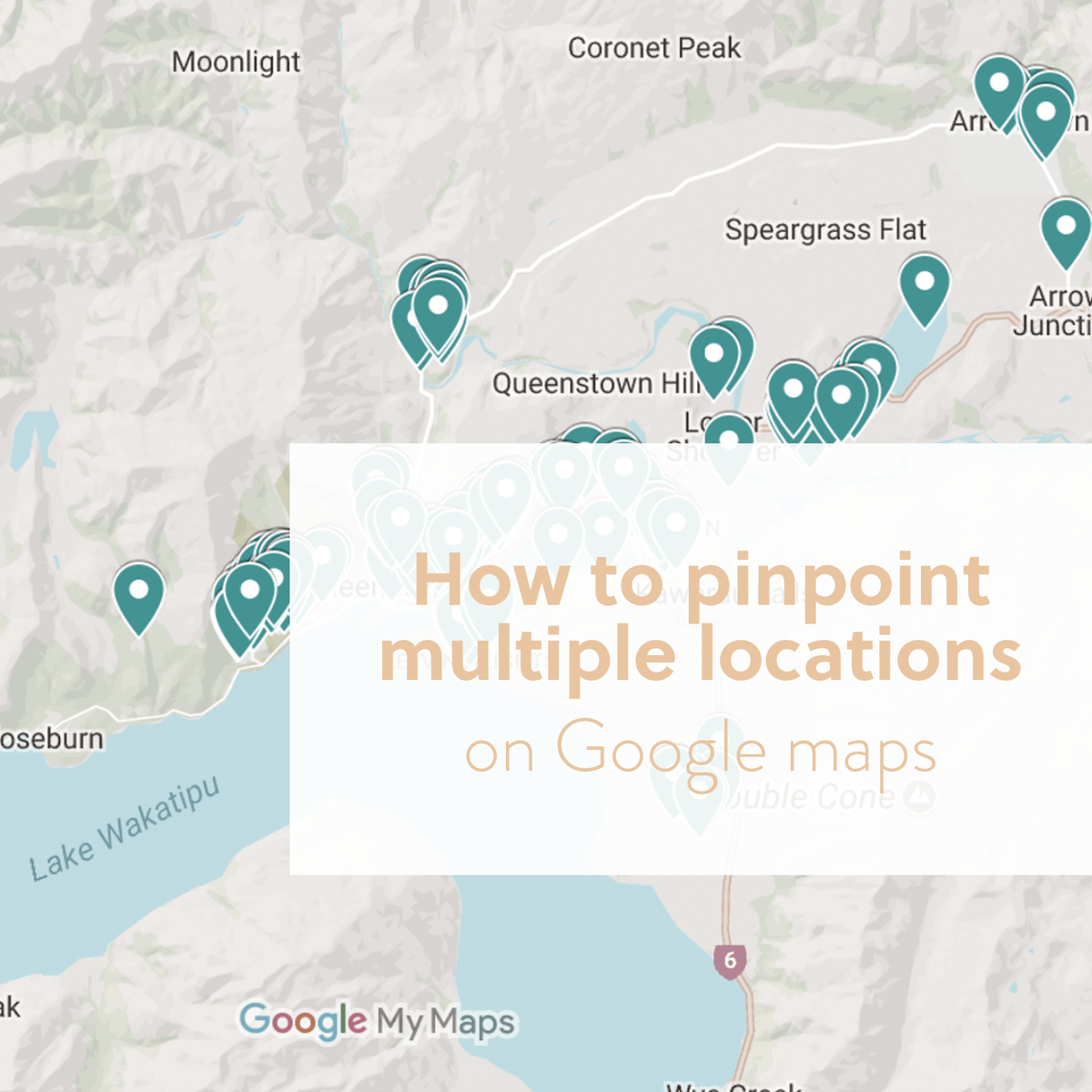
- Clustering: Use clustering to group nearby pins together, reducing clutter and improving readability. This is particularly useful when plotting a large number of data points.
- Heatmaps: Create heatmaps to visualize the density of data points. Heatmaps use color gradients to represent the concentration of data in different areas.
- Custom Icons: Use custom icons to represent different types of data points. This can help viewers quickly identify the different categories of information being presented.
- Pop-Up Windows: Add pop-up windows to your pins to display additional information when a user clicks on them. This can include images, text, and links to external websites.
- Interactive Filters: Add interactive filters to allow users to filter the data being displayed on the map. This can help them explore the data and identify specific patterns and trends.
- Accessibility: Ensure that your pin map is accessible to all users, including those with disabilities. This may involve using clear and concise labels, providing alternative text for images, and ensuring that the map is navigable using a keyboard.
- Data Privacy: Be mindful of data privacy when creating pin maps. Avoid plotting sensitive or personally identifiable information on the map.
Conclusion: Mastering the Art of Pin Map Creation
Creating effective pin maps requires careful planning, accurate data, and the right tools. By following the steps outlined in this guide, you can create compelling visual representations of location-based data that enhance understanding, improve communication, and inform strategic decision-making. Whether you’re a business professional, a researcher, or simply someone who enjoys exploring the world, mastering the art of pin map creation will empower you to visualize and analyze geographical data in new and insightful ways. So, start charting your world today!